MailerLite
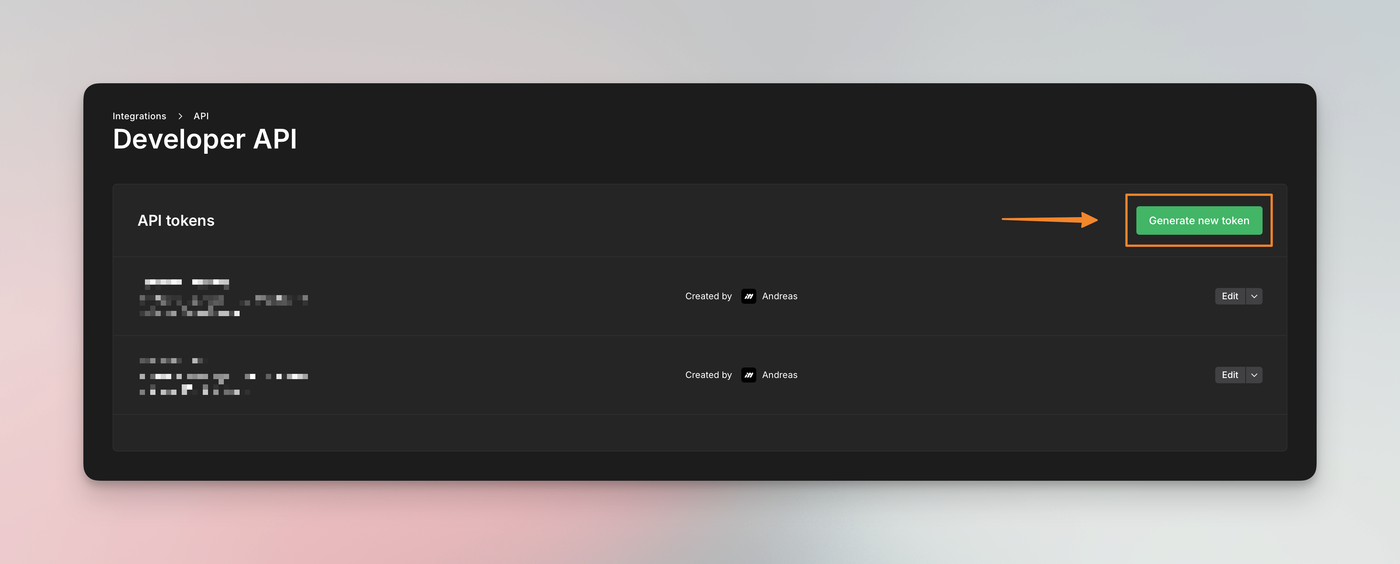
With our direct MailerLite integration, you can add or update subscribers in MailerLite. To get started, you will need to create an "API token" in your MailerLite account. Login to your account, then find the "Integrations" section and click on “API”.
Within the “Developer API“ section, you can create an API token.
Add token to Deftform
Next up, login to your Deftform account and head over to the "Connection" settings at https://deftform.com/settings/connect#mailerlite and paste the API token.
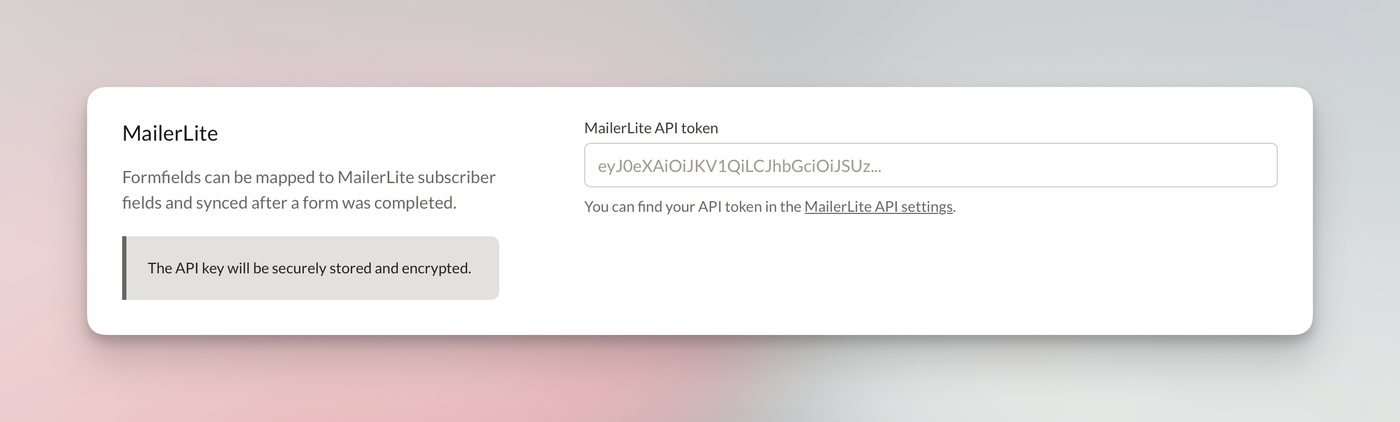
After you saved your settings, go back to the same section and sync your MailerLite fields and groups.
Connect to form
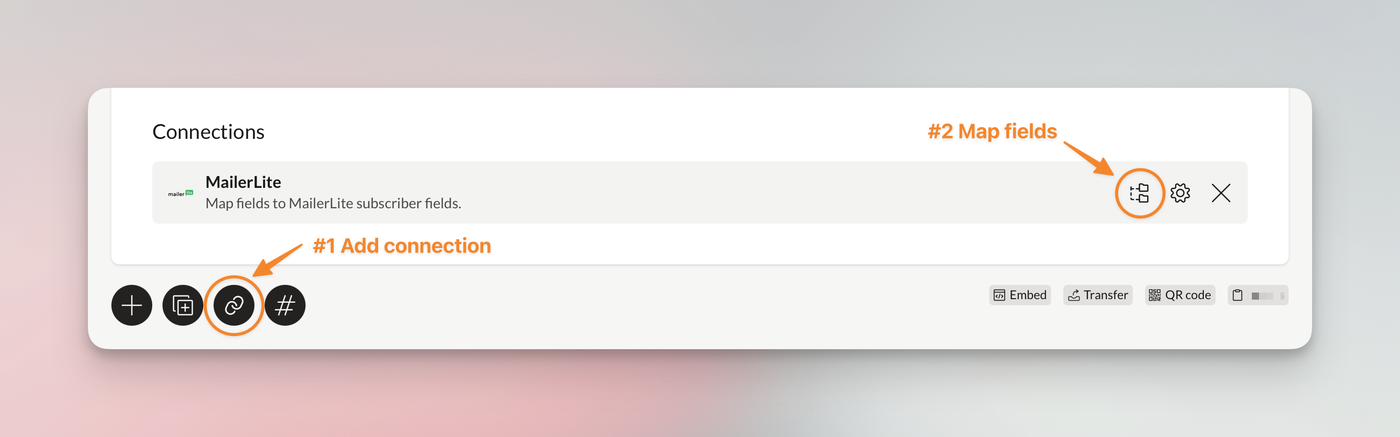
Now that we know about the existing fields and groups in your MailerLite account, you can create a connection for your form and map the fields. Go to any of your forms. At the bottom, you will find the "Add connection" option, choose "MailerLite".
When the connection is added, you can start mapping your fields.