

Using conditional redirects
In addition to a global redirect after a form has been submitted, you can also define conditional redirects.
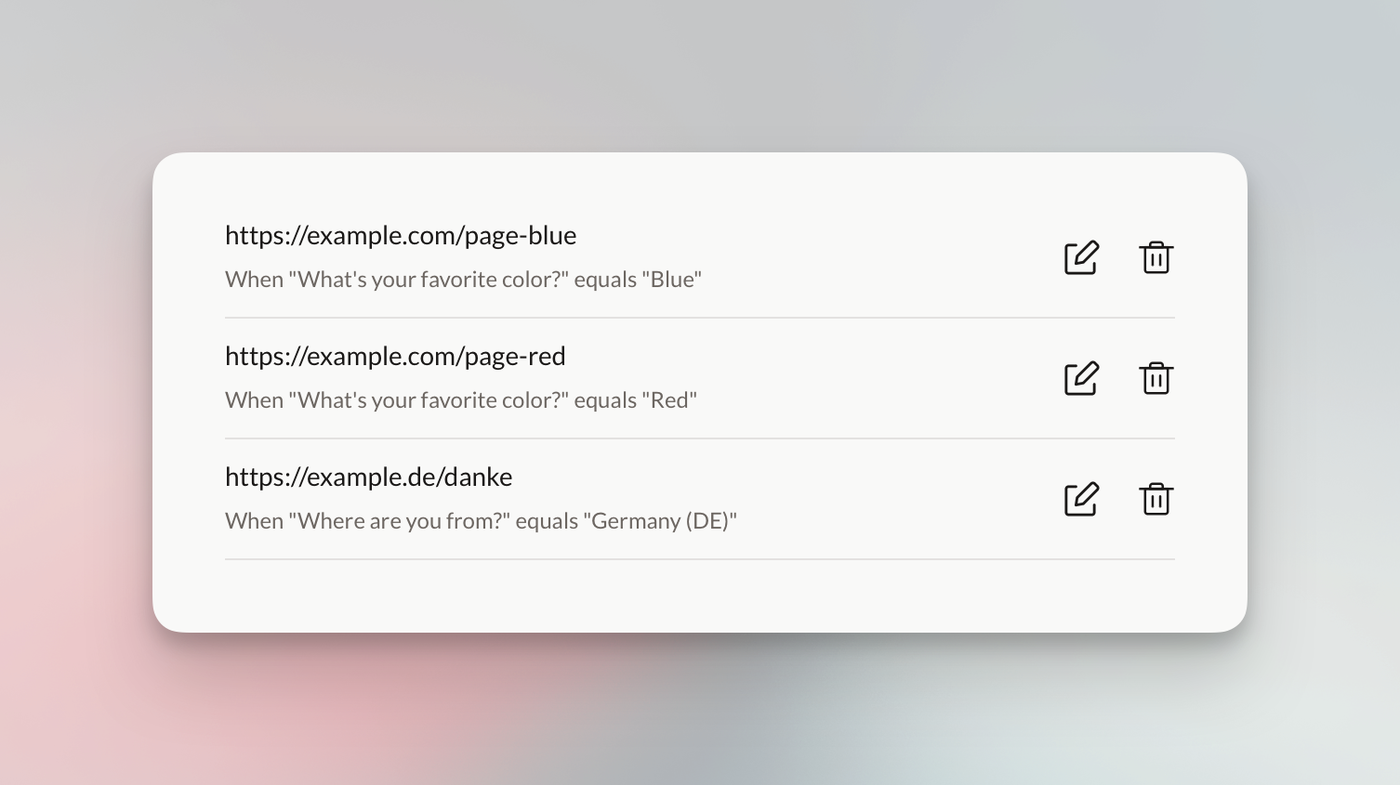
Conditional redirects do exactly what you might expect: they direct respondents to a specific URL after submitting a form based on what they have filled out or selected. You can create multiple redirects, and the first matching rule is used.
We currently offer these conditions:
equals
not_equals
contains
not_contains
is_empty
is_not_empty
When using the “Checkbox” field, or any other array type field, be sure to use the contains rule and not the equals rule. If you’re using the “Country” field, pay attention to the value as it also contains the country code. So using “Germany” as conditional value won’t match, you’d need to use “Germany (DE)”.